.jpg)
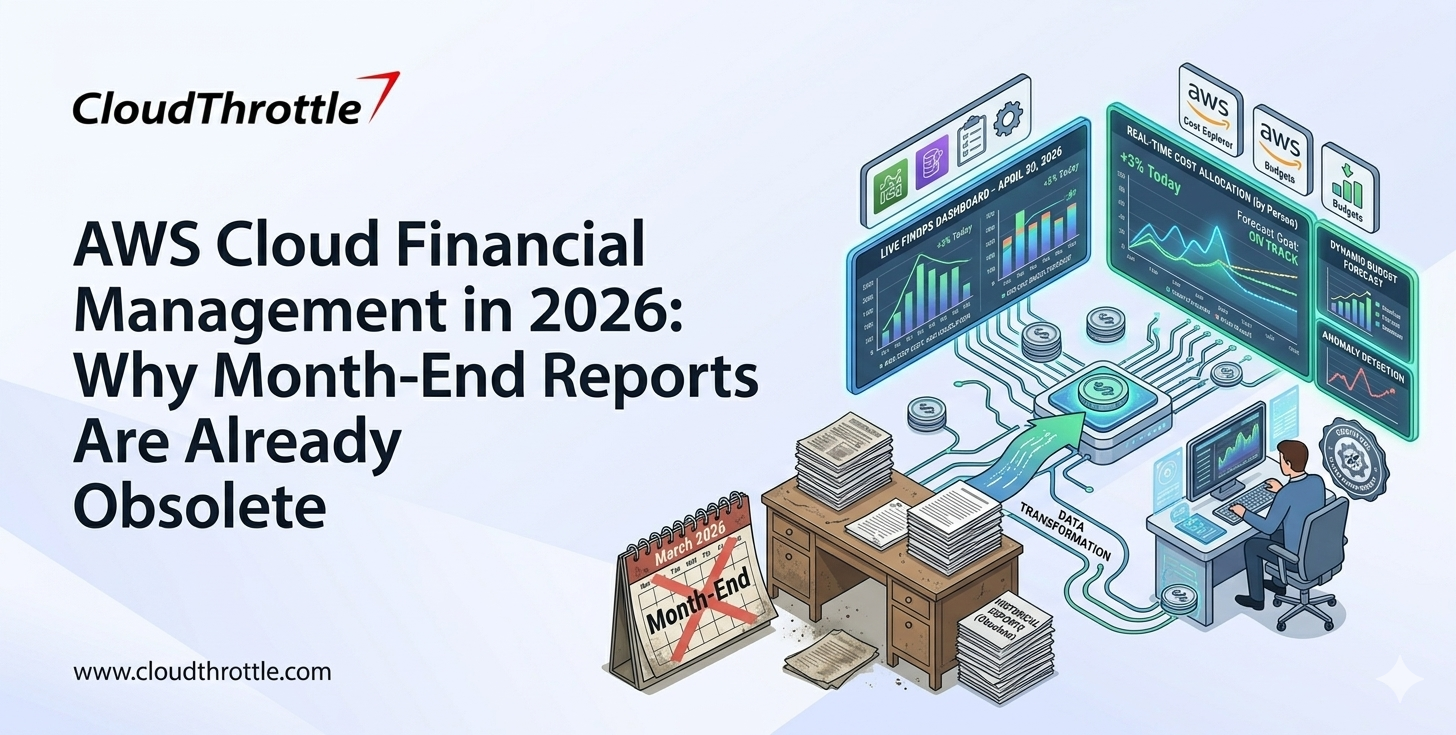
Why do AWS bills still exceed expectations even when teams track costs regularly? The challenge is not visibility but control, because most organizations rely on dashboards that explain spending after it happens rather than systems that act before it escalates. AWS Cost Explorer provides the data, yet real cost discipline comes from turning that data into automated budget controls that can respond in near real time.
Read this blog to understand how to move from passive cost tracking to active cost control.
Did You Know?
- Cloud cost optimization remains a topmost concern, with 84% of organizations identifying managing cloud spend as their biggest challenge.
- Organizations waste an estimated 28% of their cloud spend due to overprovisioning and lack of visibility.
- Over 80% of companies now use multi-cloud strategies, which increases cost complexity and the need for stronger budget controls.
What AWS Cost Explorer Does and Why It Matters
AWS Cost Explorer helps teams study how money moves across services and tagged workloads. The platform makes cost trends easier to read, which helps teams identify where spend is stable and where it is drifting away from plan. When combined with strong AWS budget management, that view becomes more actionable because teams can connect insights directly to spending controls. This matters because most cost problems start in a narrow area before they affect the full cloud bill.
A good budget needs a reliable baseline. Cost Explorer supports that work by showing historical charges and projected trends in a format that is easy to compare over time. With effective AWS budget management, teams can translate these patterns into realistic budget thresholds based on actual usage behavior rather than rough estimates. This makes budget decisions more defensible and far more useful.
What Self-Enforcing Budgets Mean in AWS
A self-enforcing budget is a budget that goes beyond notifications. It tracks actual or forecasted spend and then triggers automated responses or integrations when a threshold is crossed. The response can warn the owner or initiate control actions through integrated services such as IAM policies, Lambda, or automation workflows, preventing a small overrun from becoming a major billing issue.
This approach changes the role of budgeting. The budget stops being a passive document and becomes an active control. That control is especially useful in cloud environments because spending can move faster than human review cycles. With strong AWS budget management, teams create systems that respond automatically instead of relying on delayed human intervention. Teams need budgets that react with discipline, not budgets that wait for a meeting.
Top Benefits of Self-Enforcing Budgets
Here are the top benefits of self-enforcing budgets in AWS:
- Improved Cost Predictability
Self-enforcing budgets create a structured approach to managing cloud spend, which reduces unexpected cost spikes. Teams gain better visibility into how spending aligns with planned limits, which allows finance teams to forecast with greater accuracy and confidence. This predictability supports better planning and reduces last-minute adjustments.
- Stronger Operational Discipline
Automated budget actions introduce consistent control across teams and environments. Engineers become more aware of cost impact during deployment decisions because boundaries are clearly defined. This improves accountability and builds a culture where cost is treated as a core part of system design rather than an afterthought.
- Faster Response to Cost Deviations
Self-enforcing budgets reduce the delay between detection and action. Instead of waiting for manual intervention, predefined actions respond as soon as thresholds are crossed. This helps prevent small deviations from turning into larger financial issues and keeps cloud usage aligned with business expectations.
Step-by-Step Process to Build Self-Enforcing Budgets
Here is a step-by-step process to build self-enforcing budgets in AWS:
Step 1: Start with Historical Cost Analysis
The first step is to study historical AWS spend in Cost Explorer and identify the workloads that matter most. A strong review focuses on one question at a time. Which service is growing too quickly? Which account has become the main cost driver? Which tagged project has moved outside its expected range? Clear questions produce better budget logic.
A broad monthly total does not reveal enough. Teams need to isolate the services and accounts that shape the bill. This level of detail strengthens AWS cost optimization by helping teams separate recurring spend from one-time spikes. It also helps avoid a common mistake where budget limits are based on blended numbers that hide the real source of overspend.
Step 2: Set Budget Thresholds That Match Business Reality
The next step is to translate spend history into budget thresholds that fit the workload. A development environment should not carry the same rules as a production platform. A short-term campaign should not use the same cost limits as a steady internal application. Budget design works best when it reflects ownership, workload type, and expected usage patterns.
A staged threshold model works well in most cases. An early threshold can alert the service owner. A higher threshold can notify finance or cloud operations. A final threshold can trigger an automated action. That sequence gives teams time to respond before stronger restrictions take effect, which makes the policy more practical and easier to govern.
Step 3: Build AWS Budgets Around Ownership
A budget becomes more effective when its scope matches the team that can act on it. Shared budgets often create confusion because several teams receive the warning and no one feels fully responsible. A team-level or product-level budget creates a cleaner accountability path. The person who sees the alert is usually the person who can correct the issue.
That structure also improves communication between finance and engineering. Finance gets clearer control over spend categories. Engineering gets a budget that reflects the reality of a specific workload. A better ownership model reduces dispute and improves response quality at the same time.
Step 4: Turn Alerts Into Automated Budget Actions
This stage is where the budget becomes self-enforcing. A budget should not stop at email. It should define what happens after a threshold is crossed, typically through automation services and policy enforcement mechanisms. That action may involve triggering automation to apply policies, limit new resource creation, or control specific workloads that are safe to reduce. The goal is disciplined response rather than manual follow-up.
The action should fit the risk profile of the environment. A development account can usually tolerate stronger restrictions because business continuity risk is low. A production environment needs more caution because cost control must respect service stability. Good governance comes from matching the action to the workload rather than applying one rule everywhere.
Step 5: Use Tags and Cost Categories for Precision
Budgets work better when they reflect business structure. Tags and cost categories help teams map AWS spend to products, departments, or environments. When aligned with AWS budget management, this structure allows budgets to be defined at a more granular level instead of relying only on account-wide limits. That precision matters because an account-level budget can still be too broad. A team may share one account and still need separate visibility for each project.
A precise filter makes the budget more useful and more fair. The alert reaches the right owner, and the action targets the right scope. That reduces noise and helps leadership trust the cost data. Poor tagging weakens budget control because it blurs accountability at the moment clarity is needed most.
Step 6: Add Forecast Logic and Anomaly Review
Historical trends tell teams what has been normal. Forecast logic helps teams act before month-end. A forecast-based threshold is useful because it can indicate a likely overrun even before the budget is fully consumed. That gives teams a chance to correct direction early, which is much better than reacting after the charge has already accumulated.
Anomaly review adds another layer of control. A workload may still sit below budget and still show unusual behavior. Sudden changes in usage patterns often signal waste, configuration drift, or a temporary deployment issue. A mature budget strategy pays attention to those signals because they often reveal the real source of cloud inefficiency.
Common Mistakes That Weaken Budget Control
Here are common mistakes that weaken budget control in AWS:
- Lack of Granular Visibility: Relying only on total monthly spend hides where costs actually originate. Without detailed AWS cost tracking, teams miss early signals of overspending within specific services or workloads.
- Using Broad Budget Scopes: A budget that covers too many services or too many teams becomes hard to interpret. The signal loses value because the alert does not clearly point to the workload that caused the overspend.
- Ignoring Tagging Discipline: Weak tagging creates weak accountability. Cost data becomes harder to trace to the right team or project, which makes budget action slower and less accurate.
- Setting Unrealistic Thresholds: A budget loses credibility when the limit is too low or disconnected from actual usage patterns. Teams then treat alerts as noise rather than a serious control signal.
- Applying the Same Rule to Every Environment: Production and development environments do not carry the same risk profile. A single budget rule across all environments can create poor decisions because the level of control should match the business importance of the workload.
Best Practices for Building Self-Enforcing Budgets
Below are best practices for building effective self-enforcing budgets in AWS:
- Align Budgets with Deployment Lifecycle: Budget controls should reflect how workloads move from development to staging to production. Early environments can carry tighter restrictions, while production environments require controlled flexibility that supports uptime and reliability.
- Review Budget Performance Regularly: A budget should evolve with usage patterns. Periodic reviews help teams adjust thresholds based on actual consumption trends, which keeps the system relevant as workloads grow or change.
- Integrate Budgets with CI/CD Workflows: Cost control works better when it connects with deployment pipelines. Teams can introduce checks before large infrastructure changes so that spending decisions are evaluated before resources are provisioned.
- Establish Clear Escalation Paths: Budget alerts should follow a defined escalation structure. The first alert should reach the workload owner, while higher thresholds should notify leadership or cloud governance teams for faster decision-making.
- Document Budget Policies and Actions: Teams should maintain clear documentation of what each budget does and what actions it triggers. This improves transparency, reduces confusion during incidents, and helps new team members understand cost control mechanisms quickly.
Conclusion
AWS Cost Explorer gives teams the evidence they need to understand spend patterns and set credible limits. By integrating AWS cost management practices, organizations can move beyond visibility toward structured financial control. Integrated and automated budget workflows turn that evidence into action. Together, they create a stronger FinOps model where AWS cost management aligns analysis with automated enforcement instead of leaving them in separate workflows.
A mature AWS cost strategy does not wait for month-end surprises. It reads historical data carefully, assigns ownership clearly, and links thresholds to response. That is how cloud budgeting moves from passive oversight to active cost control.
Cloud spend should follow your strategy, not drift beyond it. CloudThrottle helps you apply real-time cost controls, automated budget enforcement workflows, and centralized governance across multiple AWS accounts without slowing down innovation. Start optimizing your cloud costs with CloudThrottle today and build a system where every dollar is accounted for.
Note: Information reflects publicly available sources at the time of publication and may change.